Repairs
Data Backup Before Device Repair Checklist
A backup-before-repair checklist for phones, tablets and computers, covering data copies, account recovery, encryption, privacy and recovery-first faults.
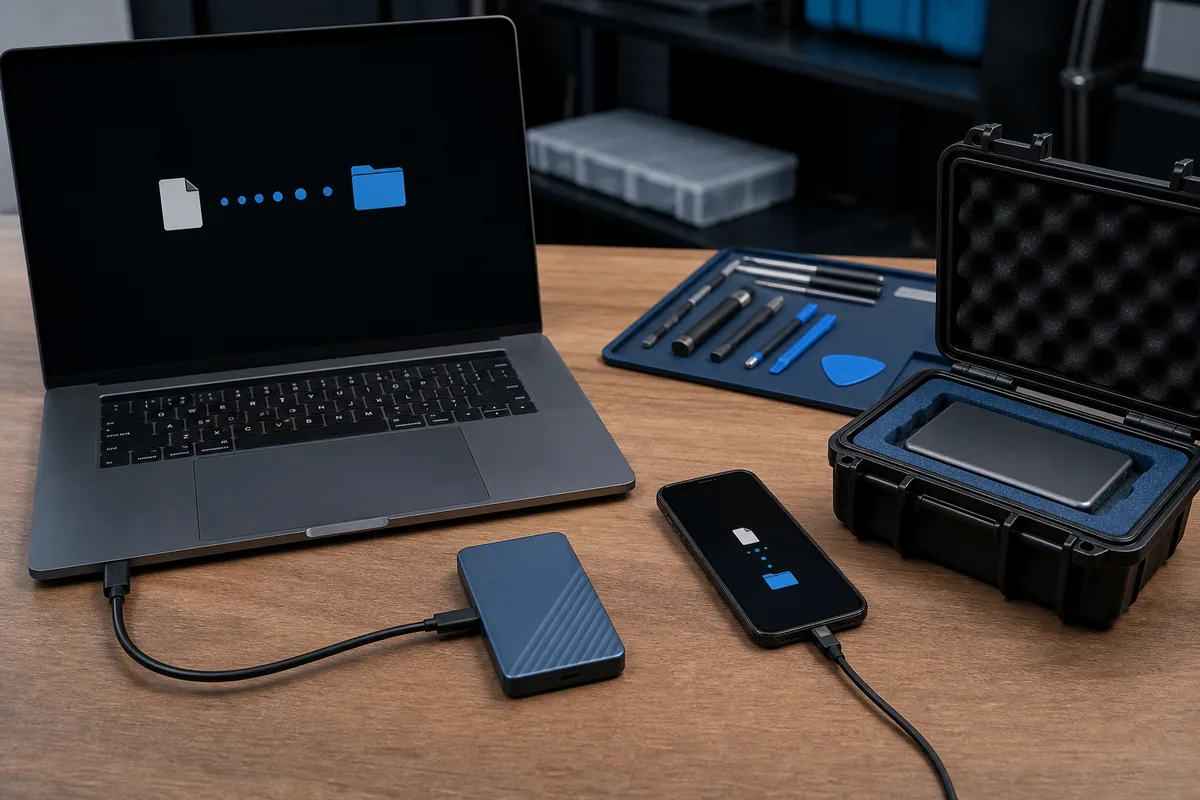
Quick answer: Before repair, back up important data where the device is stable enough, verify account recovery, record encryption information and remove unnecessary sensitive data. If storage may be failing, stop and seek recovery-first advice instead of forcing a backup.
Many repairs do not require data deletion, but no repair process can make data risk zero. Preparation also reduces delays when a device needs replacement, reset or account verification.
Create and Verify a Copy
- Back up photos, documents, contacts and application data that matter.
- Confirm the backup completed and open representative files.
- Check whether cloud syncing includes every important folder.
- Record when the backup was made and where it is stored.
- Keep another protected copy for irreplaceable data where practical.
Prepare Accounts and Privacy
- Confirm the Apple, Google, Microsoft or other account recovery method.
- Record encryption or recovery keys securely.
- Remove payment cards or use a maintenance mode where the platform supports it.
- Sign out of unneeded sensitive apps when practical.
- Never send passwords in a public form or ordinary email.
Know When Not to Force a Backup
Clicking drives, repeated storage errors, severe liquid damage or a device that disconnects can get worse with continued use. Tell the technician the data is the priority before approving ordinary repair or reset steps.
Practical note: A backup and a data-recovery attempt are different. Recovery may be uncertain and should be assessed before actions that overwrite or further stress the storage.
Sources & Further Reading
This guide provides general information, not a diagnosis, guarantee or substitute for advice based on your specific devices, systems, contract or site. Confirm scope, inclusions and pricing before making a service decision.
Want A Hand With This?
Talk to our Noosaville team about your setup. No jargon, no pressure.