Repairs
Phone or Tablet Screen Repair vs Replace
Decide whether to repair or replace a cracked phone or tablet by checking device age, condition, data, part options, cost and support life.
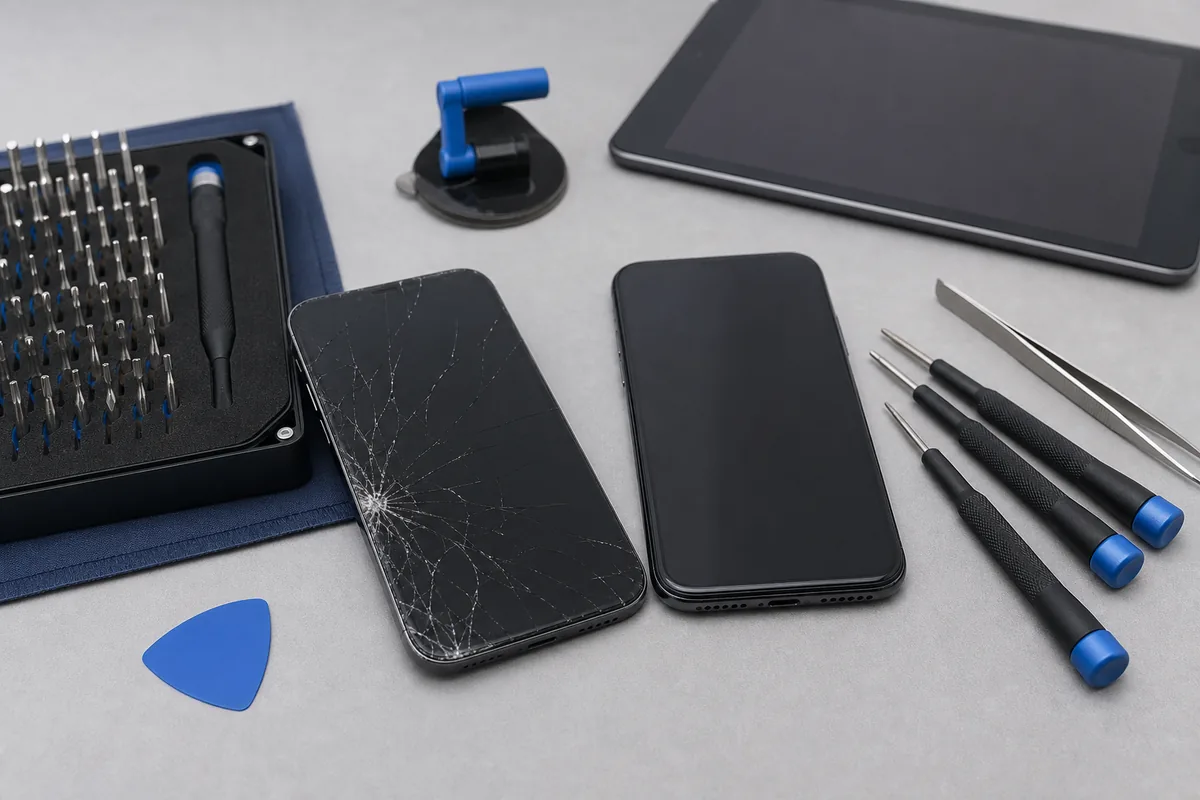
Quick answer: Screen repair may make sense when the device otherwise works well, still receives suitable software support and repair cost is reasonable compared with replacement. Replacement may be better when several faults, severe frame damage or short remaining support life are involved.
A cracked display is visible, but it may not be the only damage. A useful assessment checks touch, image, frame, cameras, battery condition, charging, biometrics and any liquid or impact history.
Information to Gather
- Exact brand, model and storage capacity.
- Whether the image and touch still work.
- Frame, housing, camera or rear-glass damage.
- Battery and charging condition.
- Any liquid exposure or previous repairs.
- Whether important data is backed up.
Compare the Whole Decision
- Repair price and available part options.
- Current replacement price for a genuinely equivalent device.
- Remaining software and security support.
- Other faults likely to need attention.
- Data transfer, setup and accessory replacement costs.
- Warranty terms for the chosen repair or replacement.
Protect Data Before Work
Back up the device where possible, record recovery methods and remove unneeded sensitive information. Do not keep using a screen with lifting glass, exposed edges, heat, swelling or signs of battery damage.
Practical note: Repair pricing depends on model, fault, part quality and availability. My IT Shop confirms the practical repair path and quote after checking those details.
Sources & Further Reading
This guide provides general information, not a diagnosis, guarantee or substitute for advice based on your specific devices, systems, contract or site. Confirm scope, inclusions and pricing before making a service decision.
Want A Hand With This?
Talk to our Noosaville team about your setup. No jargon, no pressure.